Chatter payroll for OnlyFans agencies
In most agencies payroll is a spreadsheet someone rebuilds every week from screenshots and messages. In Leeward it comes from the work itself: hours, sales, $/hour and commission for every chatter, with export to CSV. A desktop app for macOS and Windows, for OnlyFans and Fansly.
What to track for hourly, commission or mixed pay
Agencies pay chatters in different ways: by the hour, by commission on sales, or a mix of both. Whatever you pay, the inputs are the same, and Leeward counts them for every chatter.
- Hourly pay — you need the hours each chatter actually worked.
- Commission — you need the sales each chatter actually made.
- Mixed pay — you need both, plus a way to see whether the hours were worth it. That’s what $/hour is for.
The rates are yours. Leeward doesn’t tell you what to pay a chatter; it gives you the numbers to pay from, and they are the same numbers you watched during the shift.
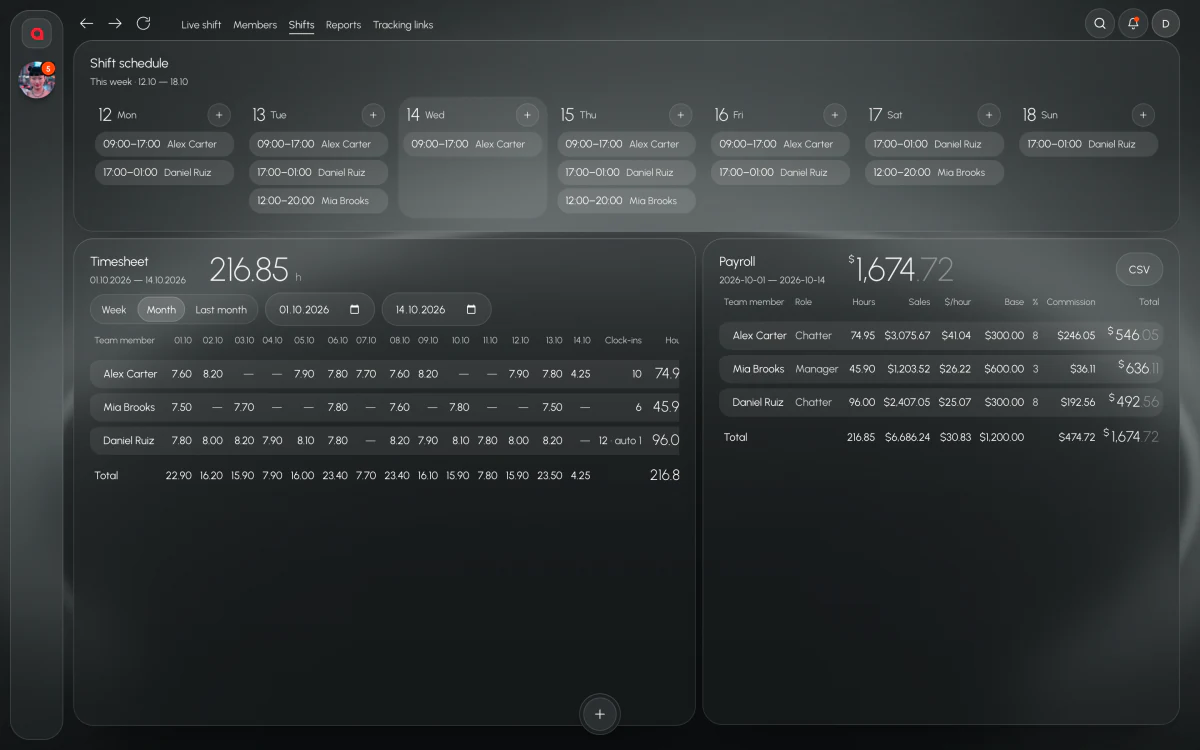
Hours per chatter
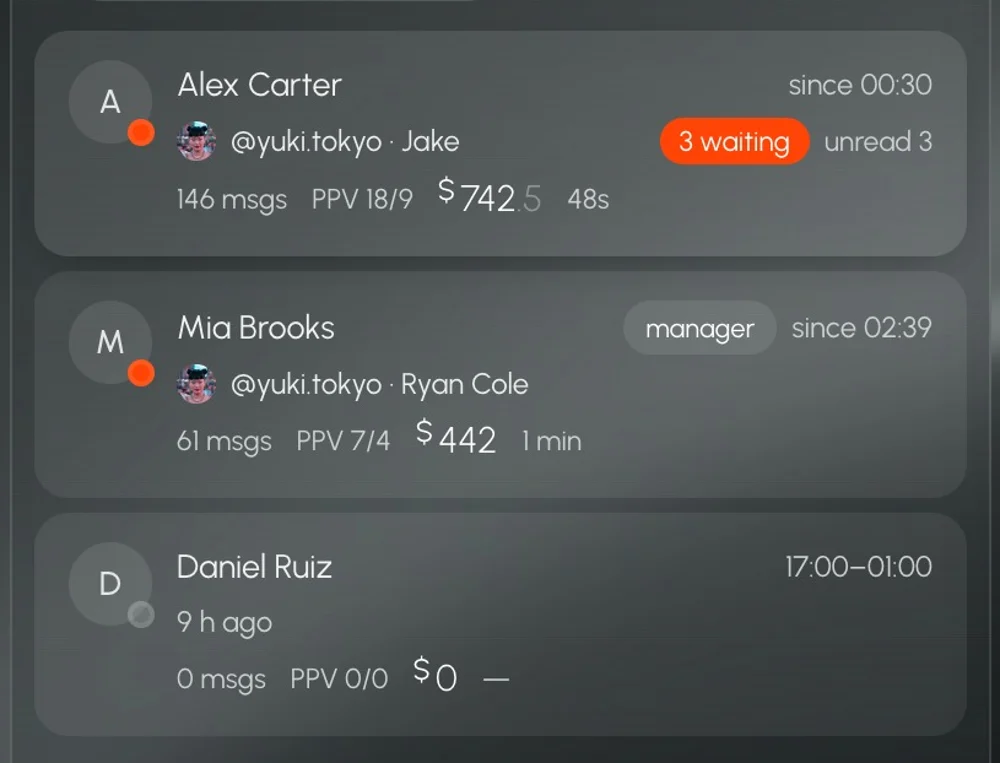
Payroll shows hours for each chatter over the period. The Team screen shows who is on shift and who is online right now, so hours are not something you take on trust from a message in the group chat at the end of the week.
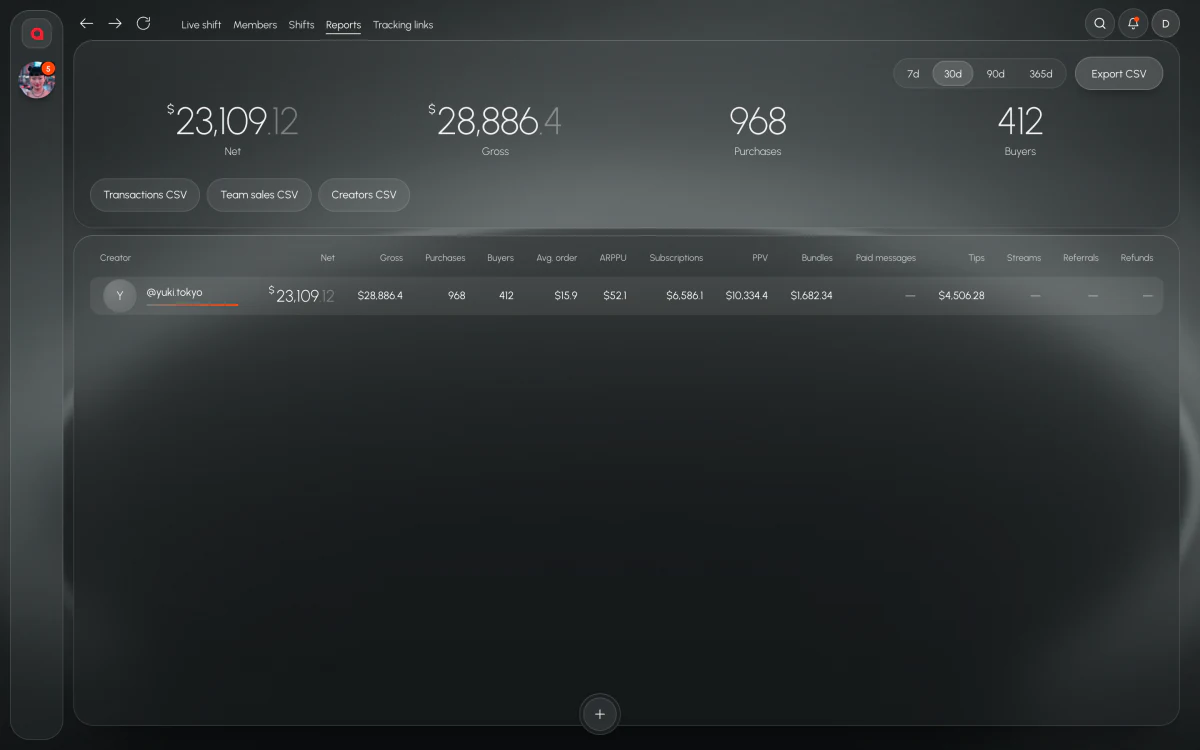
Sales per chatter
Sales are counted per chatter. On top of that, PPV sent and PPV bought are tracked for each chatter and each shift. When a chatter says they had a strong night, you can see it, and when the night was weak, you can see that too.
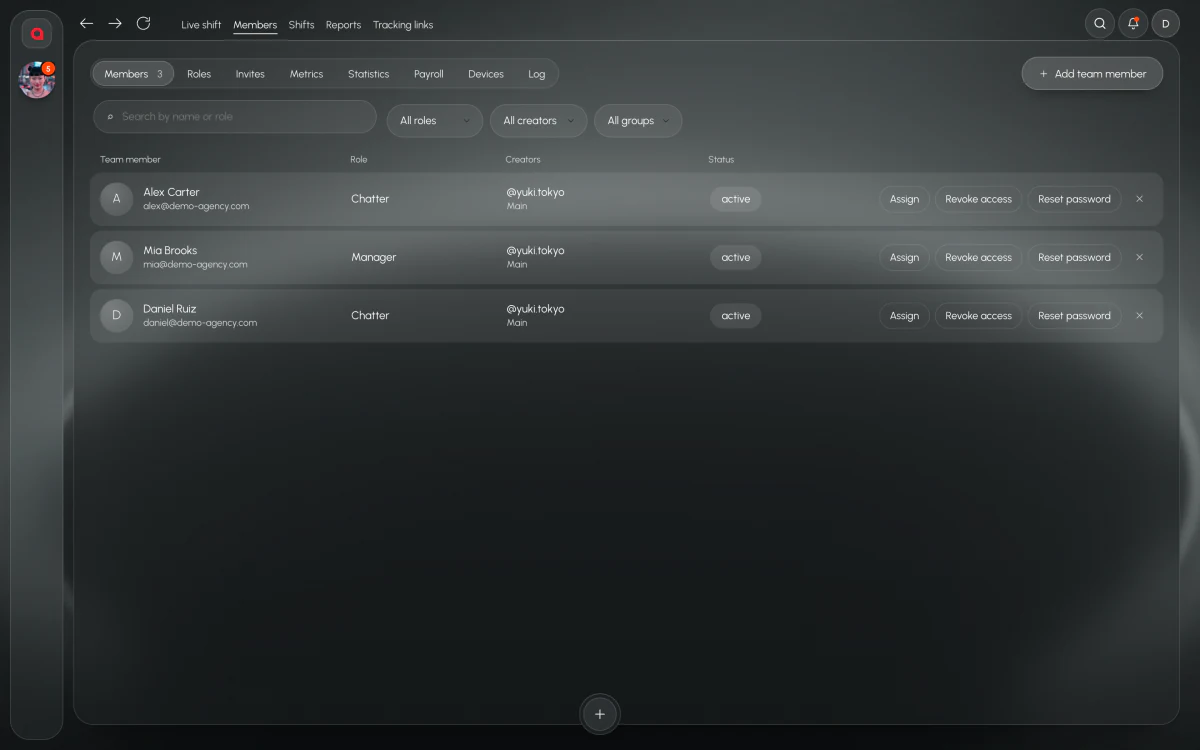
$/hour
$/hour puts hours and sales together. Two chatters with the same sales over very different hours are not the same chatter, and $/hour makes that obvious in one column. It’s the number to look at before you decide who gets more shifts and who needs another week of training.
Commission
Commission is counted from each chatter’s sales in Leeward. Nobody has to add up screenshots of earnings at the end of the week, and nobody has to argue about whose fan bought what.
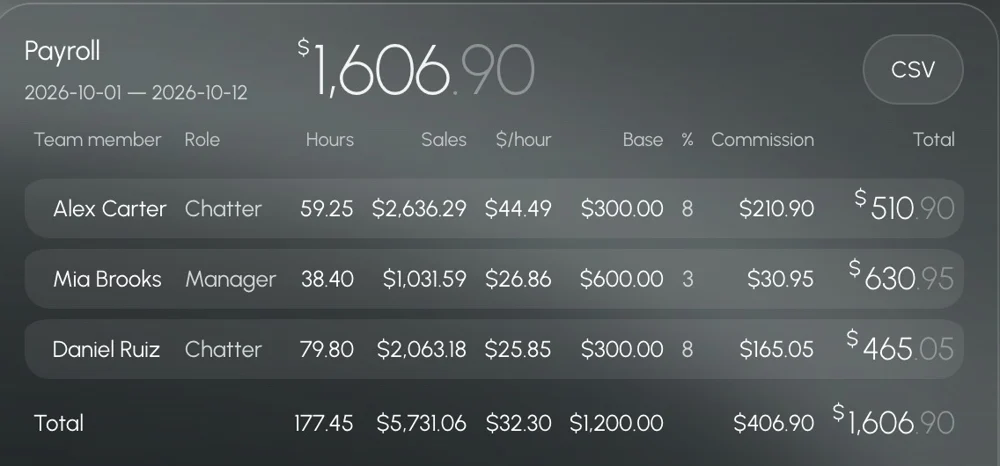
Export to CSV
When it’s time to pay, export payroll to CSV. Open it in your spreadsheet or accounting tool, or send it to whoever does the payments. The counting is already done; the file is just for paying and keeping records.
A payroll week in Leeward
During the week, chatters work in Leeward Chat and the Team screen shows who is on shift, who is online and who has fans waiting. PPV sent and bought pile up per chatter and per shift. If a day drops, Analytics shows why: fewer PPV buys, slower replies, shorter shifts.
At the end of the period you open payroll, check hours, sales, $/hour and commission per chatter, and export to CSV. If one number looks wrong, you already have the shift data behind it, and you can open a chatter in live view on the next shift to see the work for yourself.
Payroll is part of the same app
Payroll is built from the same data as the rest of Leeward: chatters work in Leeward Chat, managers see the team live, and Analytics explains a bad day. The numbers you pay from are the numbers you watched during the shift, not a second version of them in a spreadsheet.
Access works the same way everywhere in the app: chatters join by invite link, see only the models assigned to them and never see the model’s password. Model sessions are stored inside Leeward, encrypted, and every model has a dedicated US proxy, included in the price and replaced if it fails.
Pricing per model
Leeward is paid per connected model, not per chatter: Base $25, Pro $50, Max $150 a month, with individual terms for 50+ models. The price is fixed per model and doesn’t depend on the model’s earnings. Every model starts with a 7-day trial, and 3, 6 or 12 months up front come with a discount.
Chats, team, PPV vault, scripts, translator, base metrics, AI administrator
Everything in Base, extended metrics, alerts, analytics that explains itself
Everything in Pro, all metrics, unlimited AI chatter
50+ models, at least 2 accounts per model
Prices per connected model per month. 3 months −8%, 6 months −18%, 1 year −25%. 7-day free trial for every model you connect.
Questions
Can I export payroll to CSV?
Yes. Payroll exports to CSV, so you can pay from it or keep it in your own records.
Is commission counted from real sales?
Commission is counted from the sales recorded for each chatter in Leeward, not from numbers typed in by hand.
Does it work for Fansly chatters?
Yes. Leeward works with OnlyFans and Fansly models, and payroll covers the chatters on both.
Do I need a spreadsheet?
Not for the counting. Hours, sales, $/hour and commission are counted in Leeward. If you still keep a spreadsheet for accounting, export to CSV and add it there.
Why agencies switch
- Payroll comes from the work, not from a spreadsheet rebuilt every week.
- Hours, sales, $/hour and commission for each chatter in one place.
- Commission from sales counted in Leeward, not from screenshots.
- CSV export when it’s time to pay.
- A fixed price per model and a 7-day trial on every model.
Read next
Try Leeward on your models
7-day free trial for every model you connect.