Why every creator account needs its own session and proxy, in plain English
Ask ten agency owners what a proxy is for and you will get ten answers, most of them half true. This guide skips the jargon. It explains what a login session is, why it drops, why each model should have her own separate session and her own IP address, and how Leeward handles all of this so your team can work instead of signing in again.
What a login session actually is
When a model signs in to OnlyFans or Fansly, the site does not ask for her password on every click. It gives the browser a small token that says "this person already signed in". That token, stored with the browser's cookies, is the session. As long as it is valid, anyone using that browser is inside the account.
Sessions do not live forever. A session ends when:
- the login simply expires after some time;
- the platform asks the user to sign in again, for example after a password change;
- the browser profile is cleared, or the cookies get mixed up with another account;
- the connection changes in a way the site does not expect, and it asks to confirm the login.
For a single creator this is a minor annoyance. For an agency it is lost money: a session that drops at 2 a.m. means chats nobody answers until a manager wakes up.
Why "all models in one Chrome" breaks
Many agencies start with one browser on a manager's laptop and a tab or a profile for each model. It looks tidy. In practice:
- Cookies from different models sit next to each other, and one wrong click signs a model out or opens the wrong account.
- Everything depends on one laptop being switched on, online and in the right place.
- The model's accounts come from whatever network the manager happens to use that day: home, a café, a phone hotspot.
- When something drops, nobody sees it until a fan complains or the morning report looks empty.
None of this is about doing anything clever. It is about order. Each account should behave like one person using one steady setup, because that is what keeps logins stable.
One model, one browser profile
In Leeward every connected model gets her own browser profile inside the app. Her cookies and her session belong to that profile only. They never mix with another model, and they do not depend on which computer a chatter is using. Open five models and you have five separate, clean workspaces, not five tabs in one shared browser.
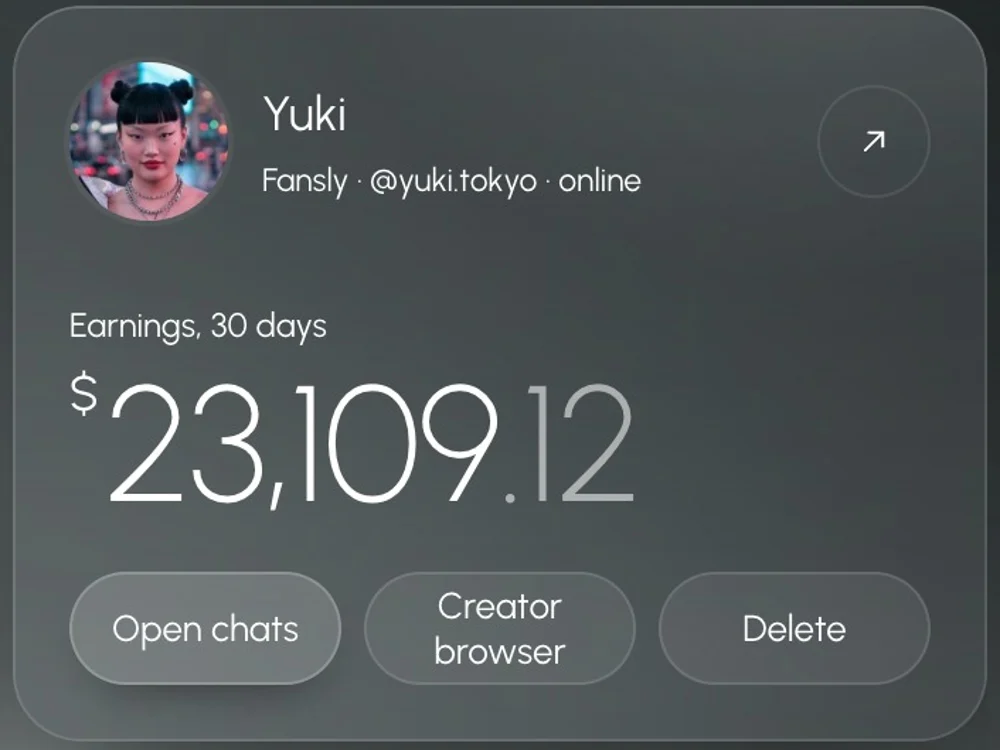
This also means the session stays inside Leeward. Chatters work through Leeward's interface and never need the model's password. We cover that part in how to give chatters access without sharing the password.
One model, one US proxy
A proxy, in plain terms, is the internet address an account appears from. If the address jumps between countries and networks every few hours, the account looks unsettled, and the platform is more likely to ask for a new login.
Leeward gives each model her own dedicated US proxy automatically. You do not buy it separately, configure it or paste anything: it is included in the price of the model. If the proxy stops working, Leeward swaps it for a new one. Your job is to connect the model; the address is handled for you.
The point of a steady address is stability: the account keeps working from one predictable place instead of from whatever network a manager is on today.
When a session drops anyway
Even with good hygiene, a session can end: the platform may simply ask the model to sign in again. What matters is how fast you find out. In Leeward:
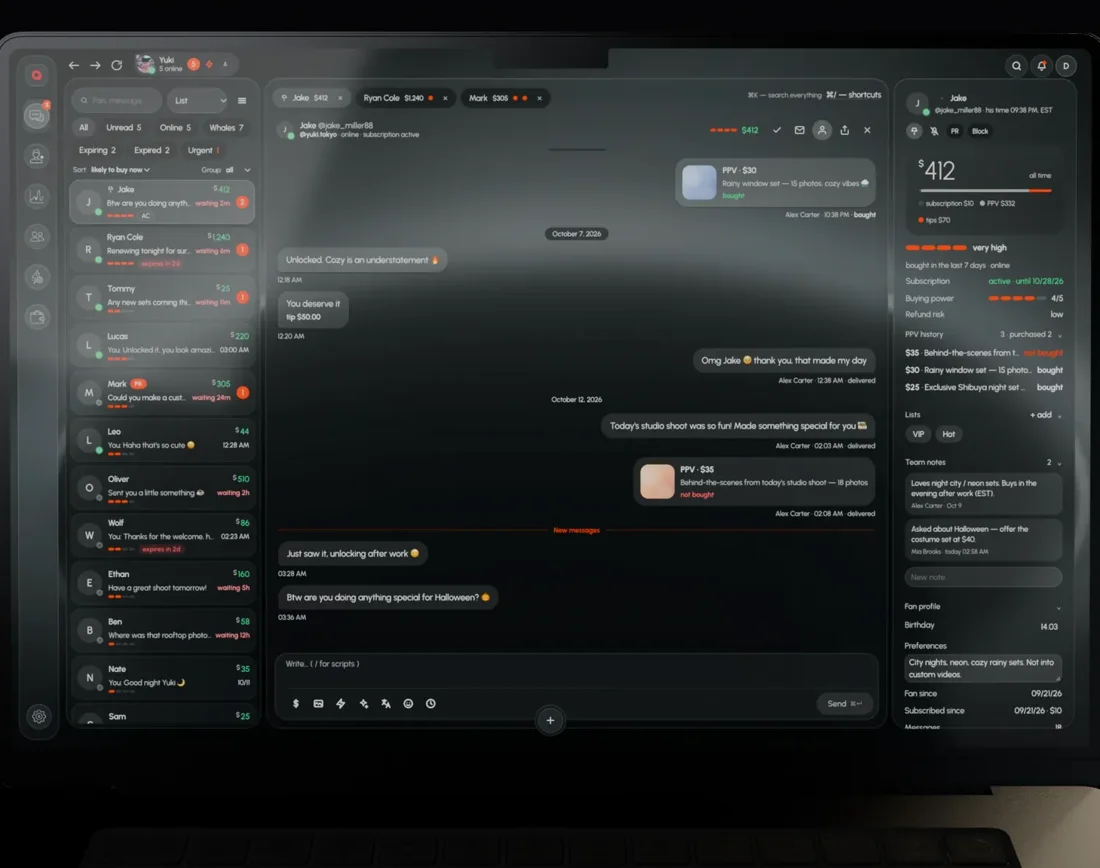
- A Sessions indicator appears in the top bar with the number of models that need attention.
- The panel lists each affected model and a re-capture button next to it.
- Leeward can send you a Telegram notification, so a drop at night does not wait until the morning.
A simple setup routine
- Download Leeward for macOS or Windows.
- Connect each model once. Her profile and US proxy are created for her.
- Retire the shared browser and the document with logins. Nobody else needs them now.
- Turn on Telegram notifications for the owner or the manager on duty.
- When the Sessions indicator lights up, re-capture the session the same hour.
- Keep leak protection on as well; separate sessions protect the account, the leak filter protects the fans inside it.
Leeward runs OnlyFans and Fansly in one app, so the same routine covers both. Read more on the Fansly CRM page and the OnlyFans CRM page, or see how this compares in Leeward vs OnlyMonster. The proxy is part of every plan; prices per model are on the pricing section, and each connected model starts with a 7-day free trial.